
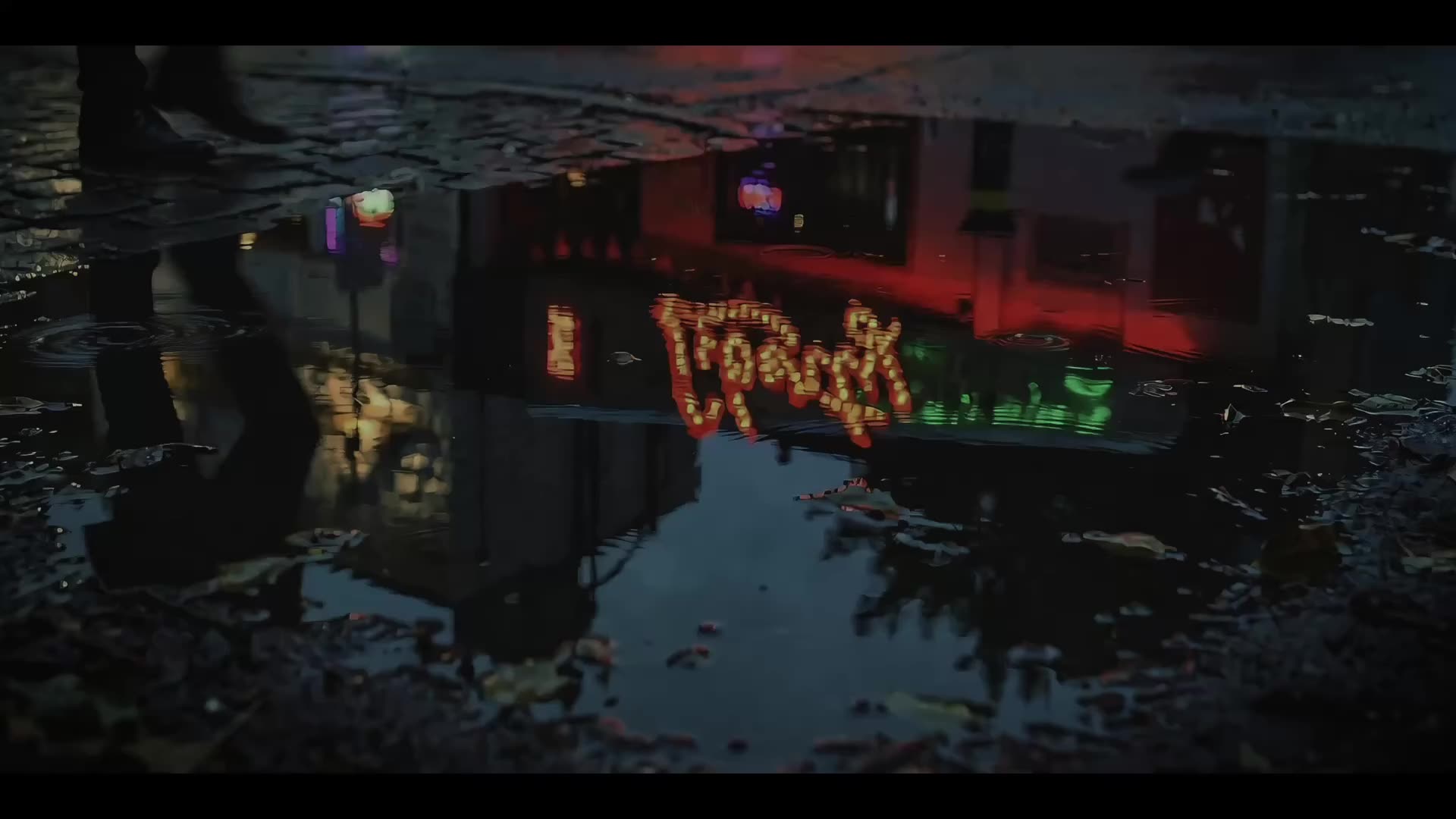
The Production Platform for AI-Native Filmmaking
Taste-Driven. Built to Scale.
From first spark to final cut, Moodio gives film teams one AI-native production pipeline. References shape the vision, workflow keeps delivery on track, and the agent carries assets and taste into the next project.
Great Work Starts
with the Right References.
Trusted by the brand
















TastePart 1: Great work starts with the right references
01|Inspire:
Find references
Find the right references in under a second, from film terms and character actions to fuzzy moods.
02|Learn:
Learn from references
Moodio’s agent breaks down references, analyzes filmmaking techniques, and finds more shots like them.
03|Generate:
Generate from references
Skip prompt engineering and generate directly from image and video references.
The camera makes a restrained handheld push-in toward the boy, and the wide-angle close-up keeps the bedroom's everyday feel. Soft window backlight keeps the frame natural and private; lost in his own world, he draws us into the same close, immersive moment.
Here are more shots with an intimate handheld push-in:
IndustrializedPart 2: Great work runs on the right workflow
Turn an idea into a production plan.
Lock the visual direction with the team.
Collaborate on each shot.
Deliver the final cut.
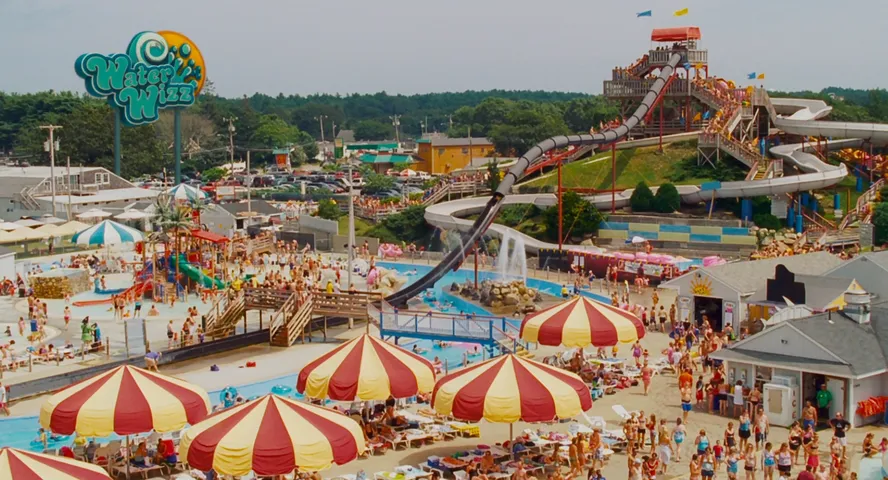
At an amusement park, a mutant monster attacks people before being driven off by a beast-man.

Here is what you need for the story:
SCRIPT
ASSETS LIST
SHOT LIST
ASSETS LIST
Characters
Ref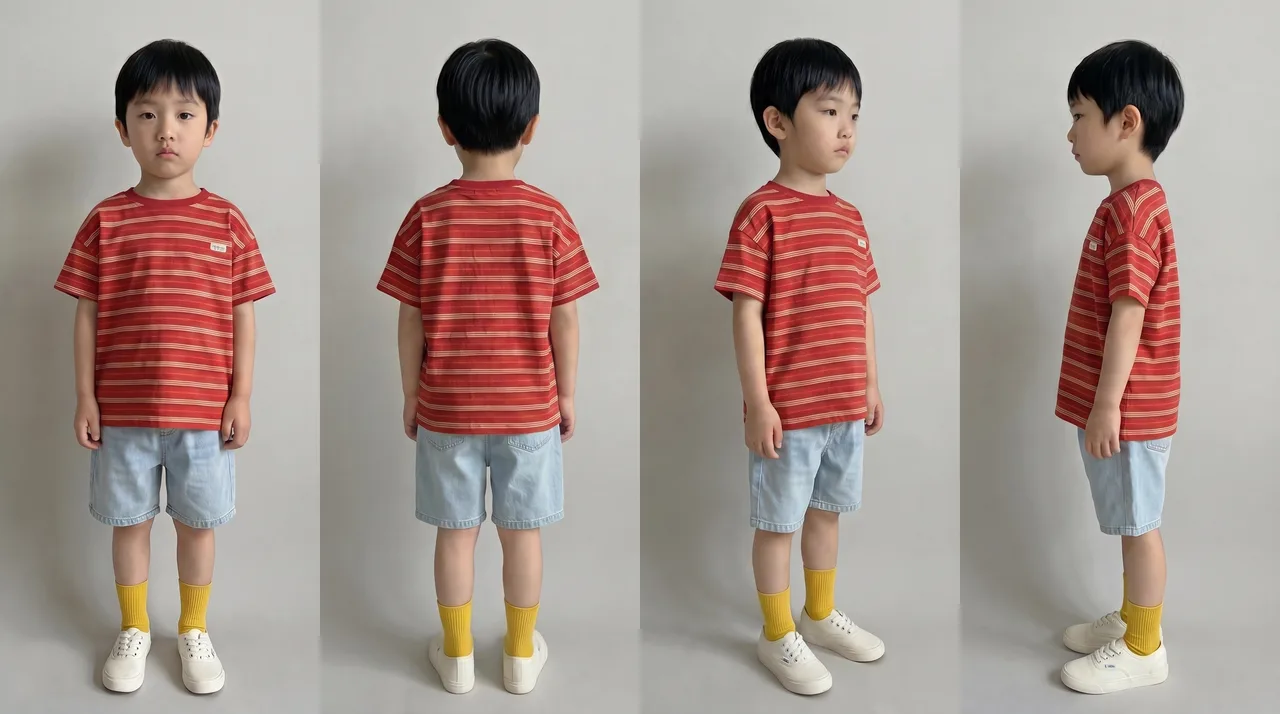 1. The boy
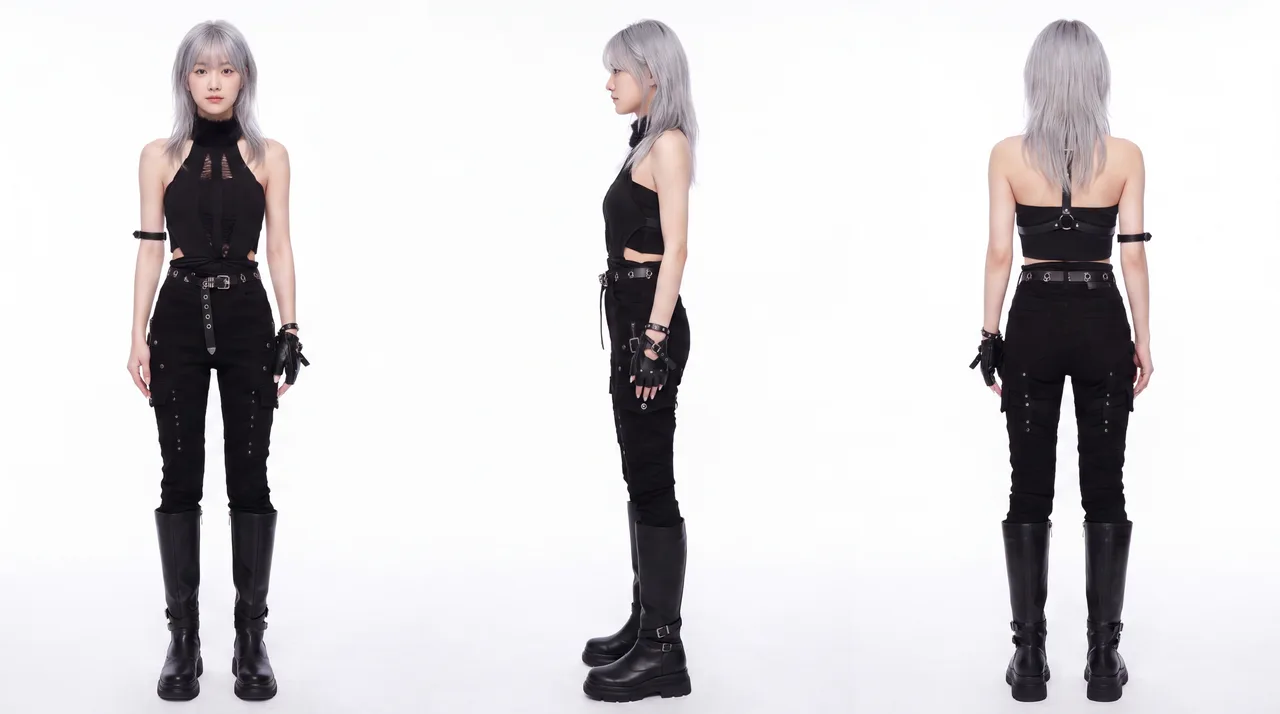 2. The heroine
Scenes
 1. Amusement park
Props
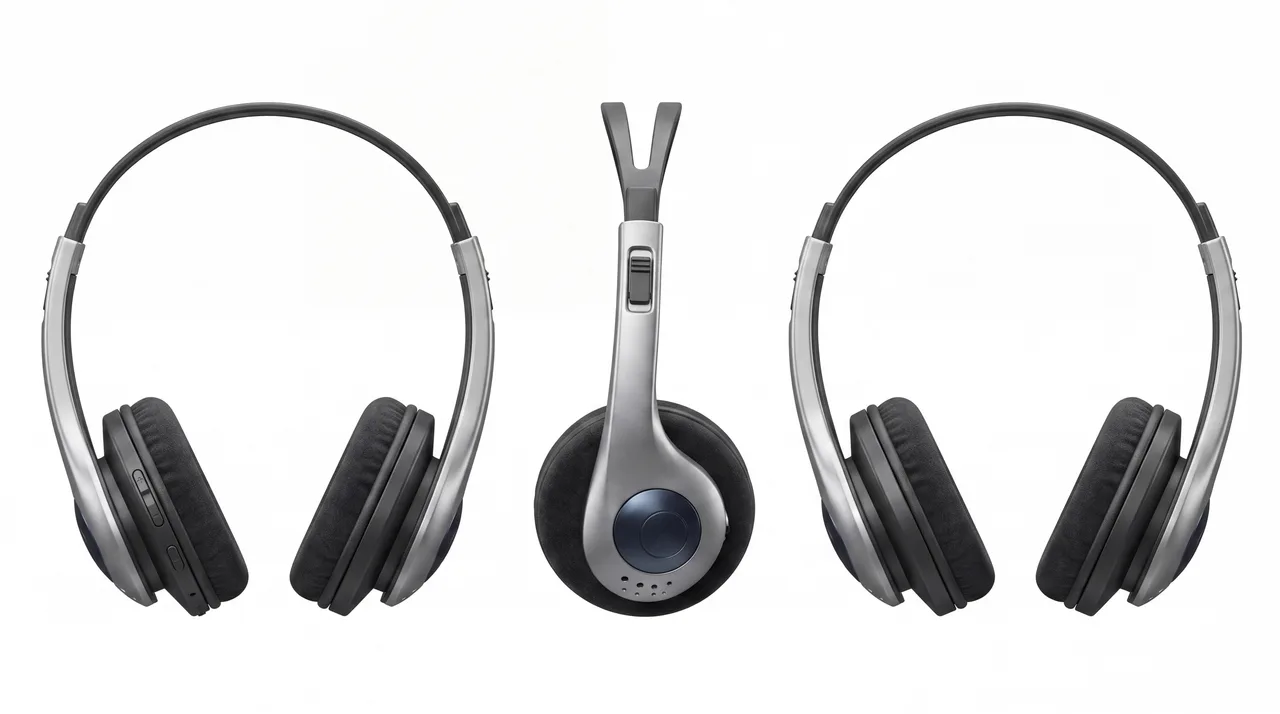 1. Headphones
SHOT LIST
References for Shot 1


Create a video
version1: the boy in a red shirt.
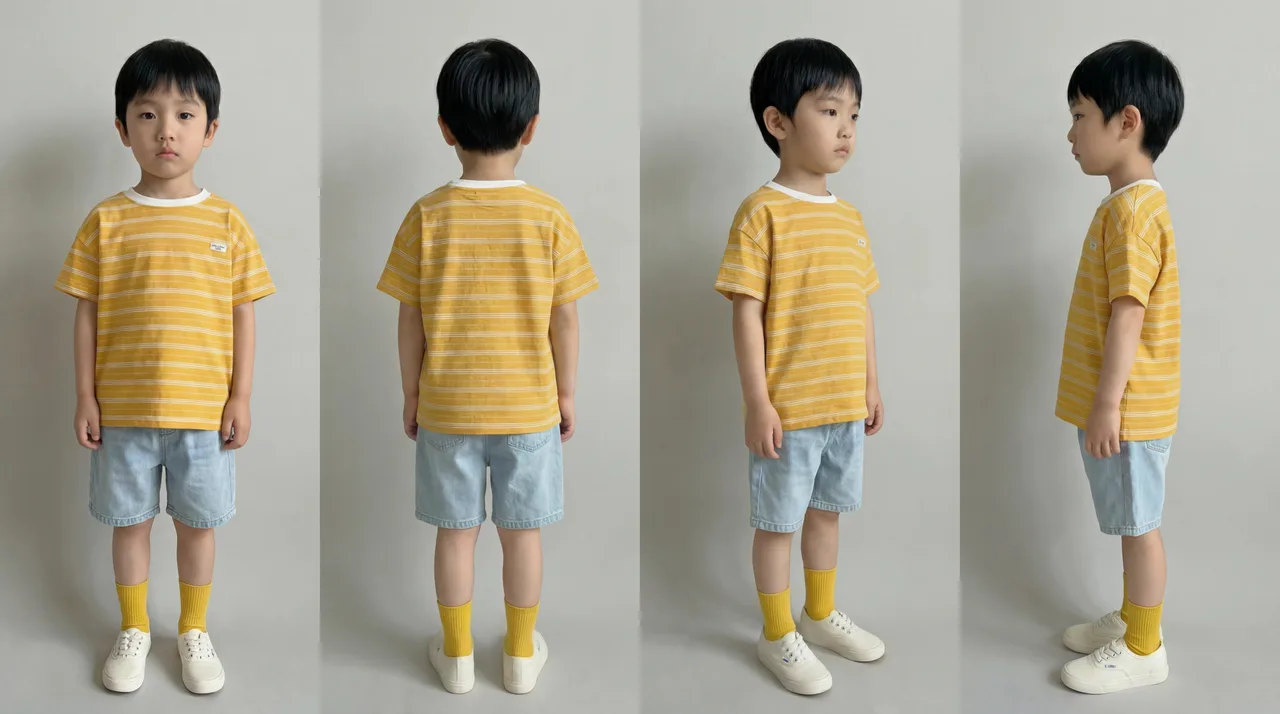
version2: the boy in a yellow shirt
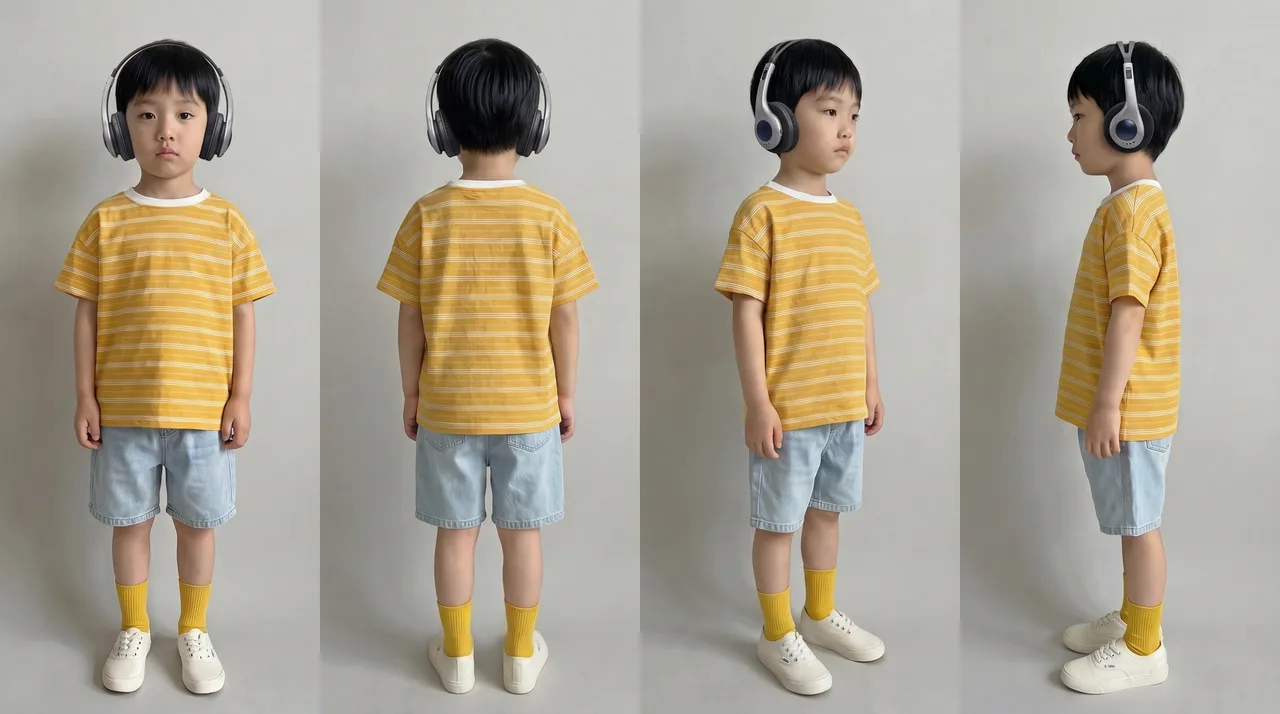
version3: the yellow-shirt boy with headphones
The outfit looks nice and playful — could we add headphones?
Perfect — use this one!
How about trying the Seedance model?
Which video do you prefer, Kling or Seedance?
@Reviewer
I like this one better
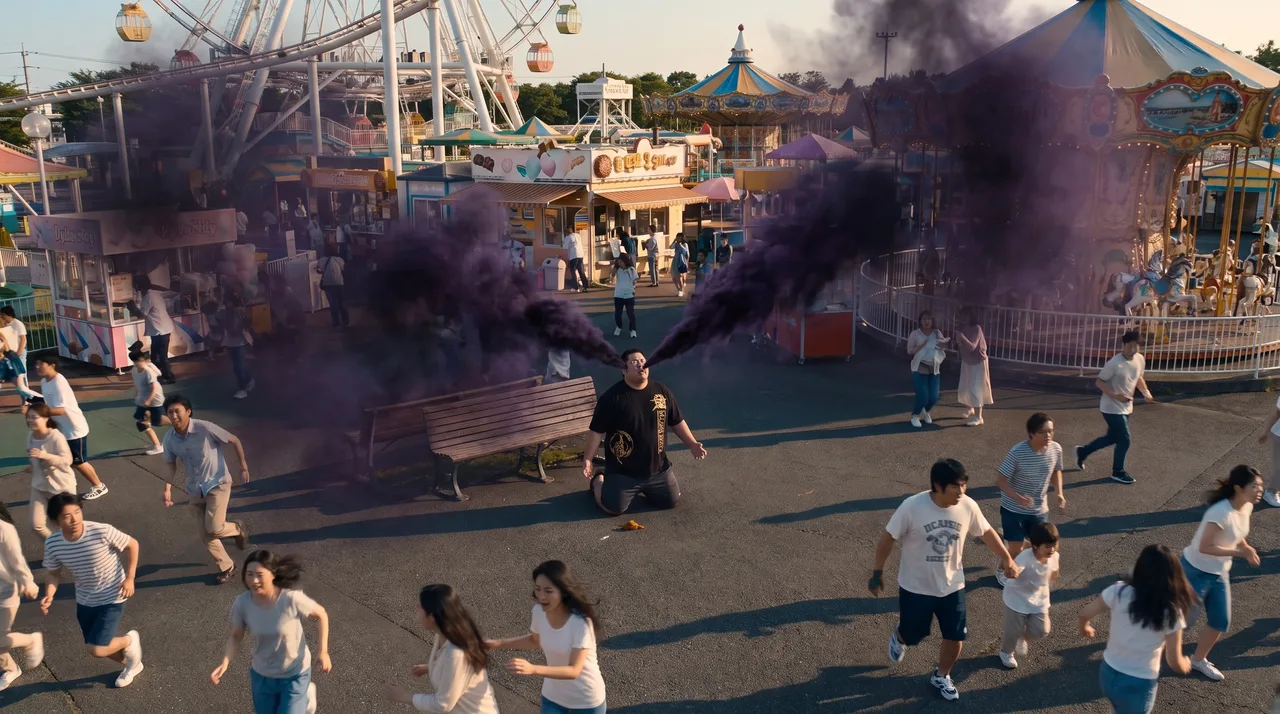
Shot 1
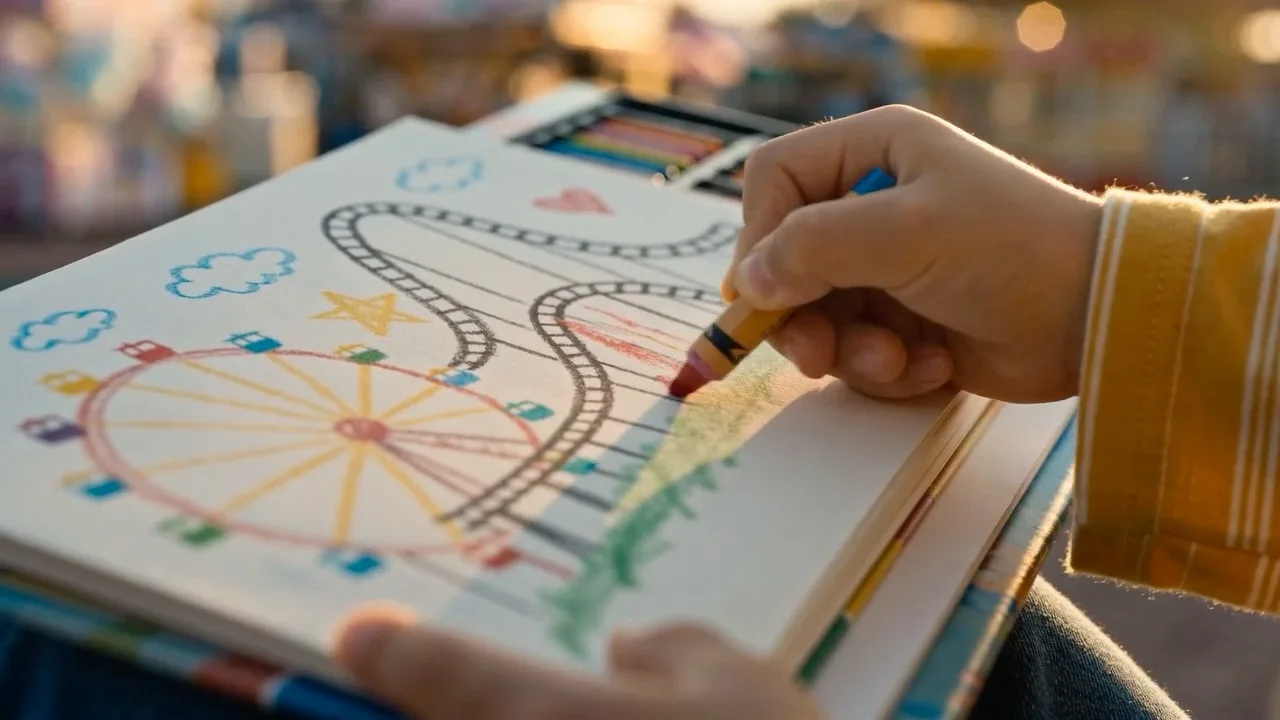
Shot 2
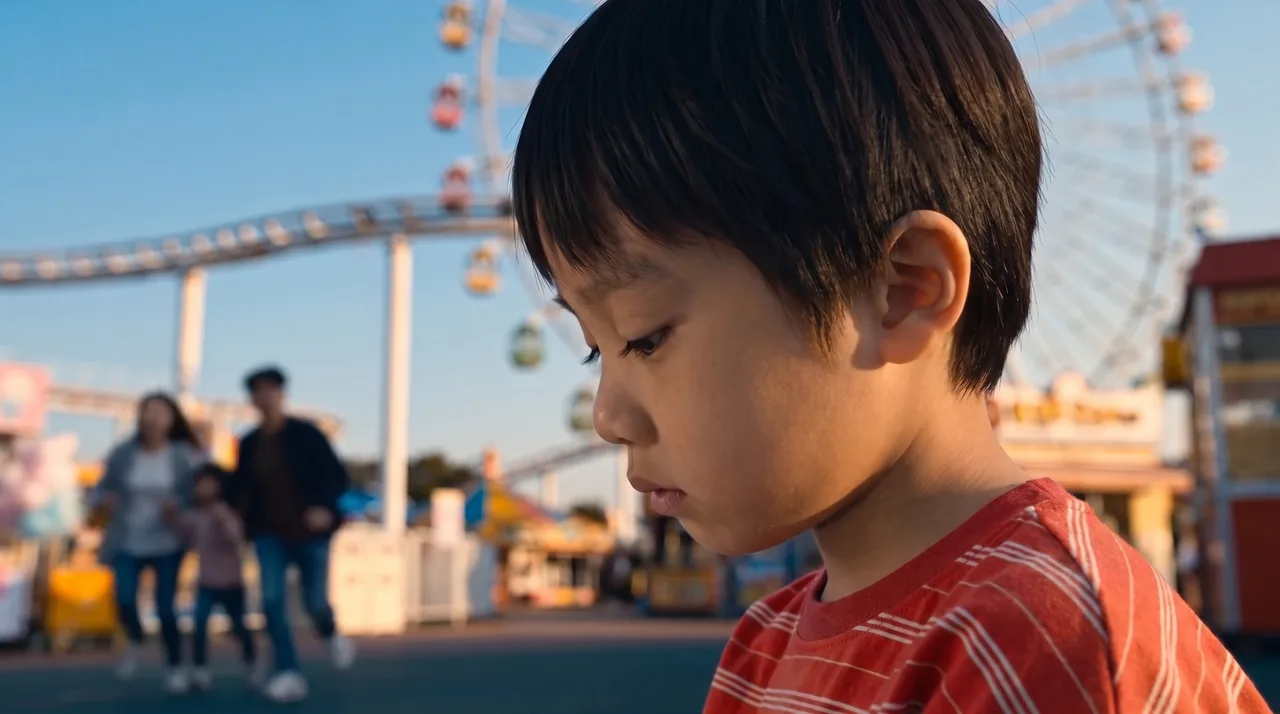
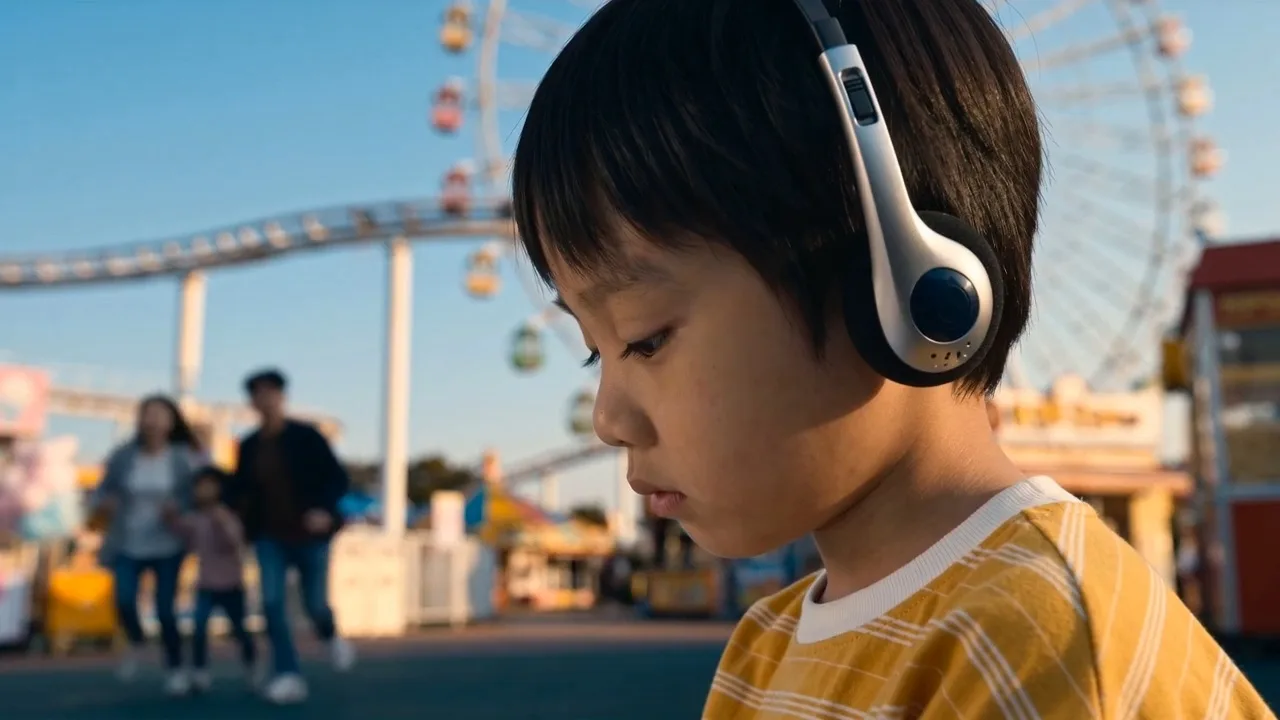
Shot 3
EDITINGTIFFY EDITING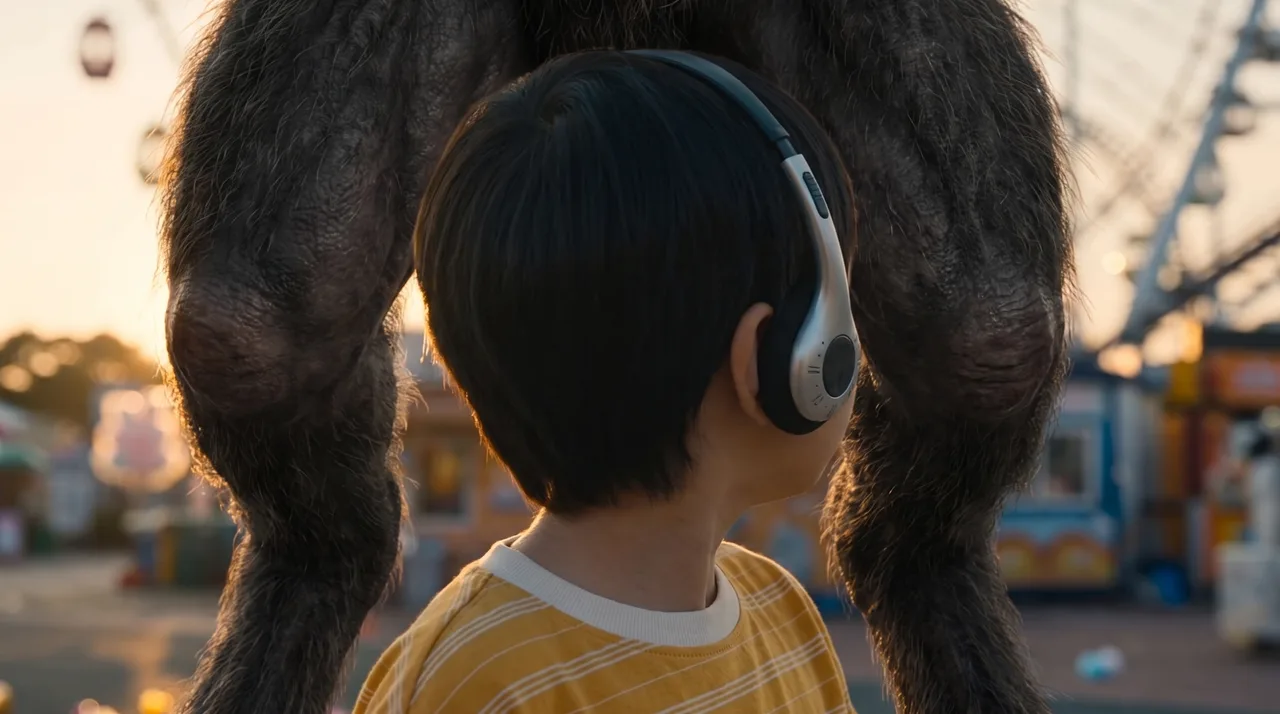
Shot 4
THOMAS EDITING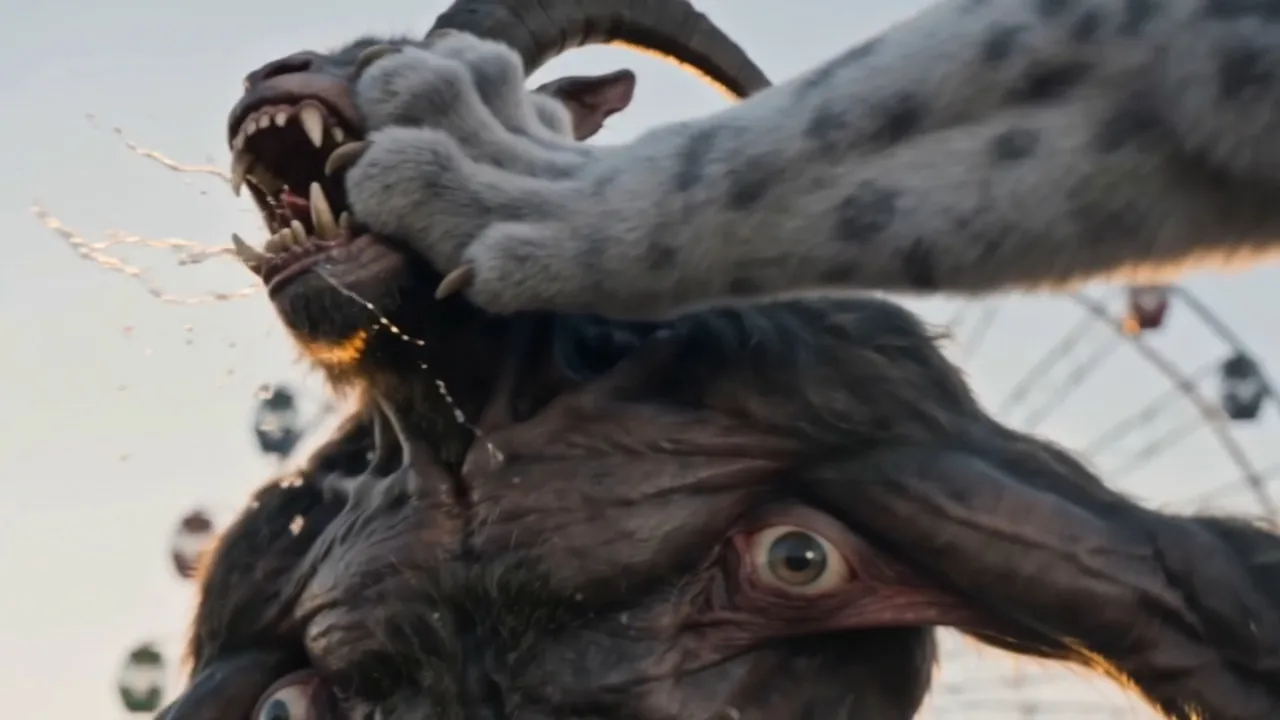
Shot 5
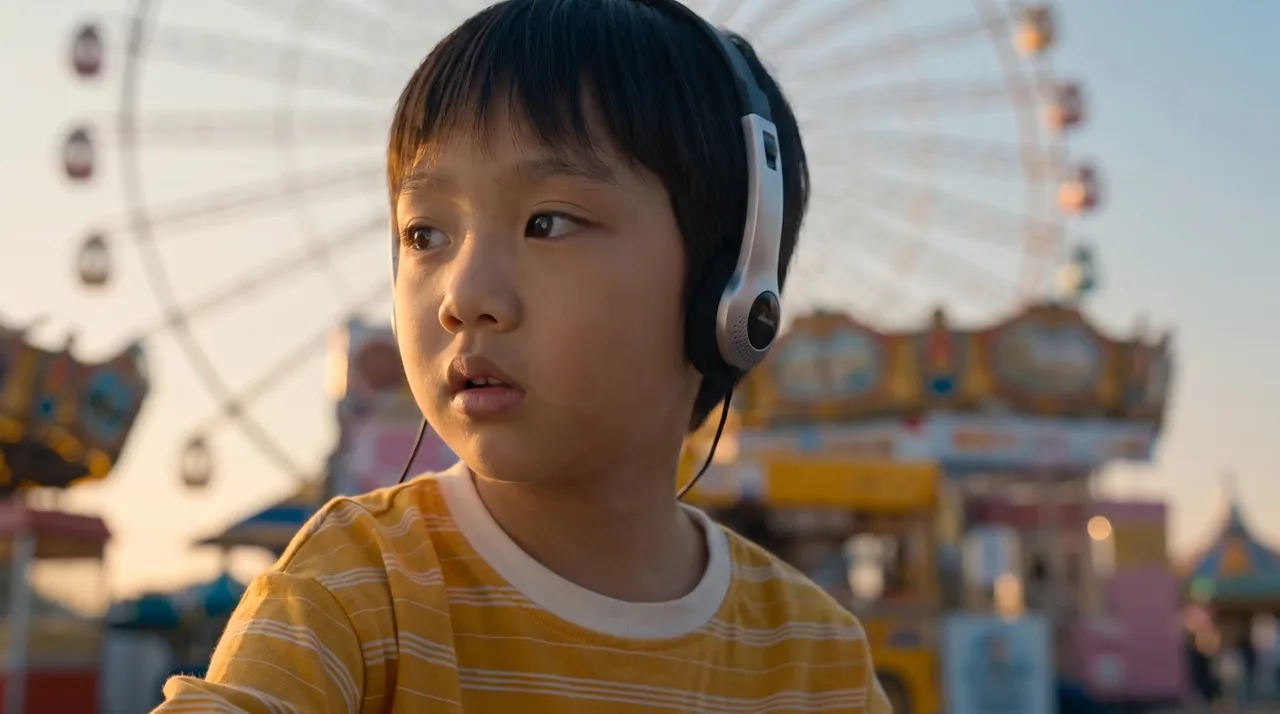
Shot 6
KOI EDITING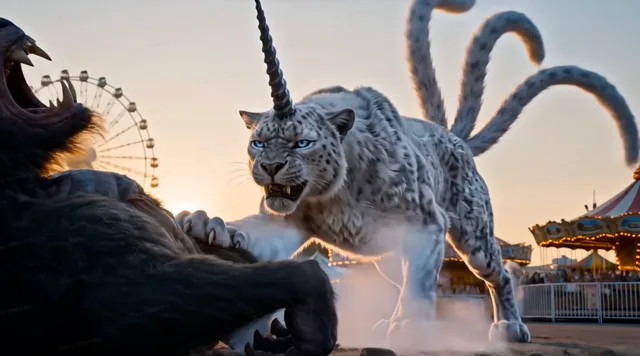
Shot 7
EDITINGProduct principles
Pain point:Characters, scenes, and props drift across shots.
Cross-shot consistency
Reusable, version-tracked assets keep visuals consistent.
Pain point:Fully automated agents improve speed but take control away from creators.

Full creative control
Agents accelerate generation while the canvas keeps the process, parameters, and edits in your hands.
Pain point:Without the right references, AI outputs start to look the same.
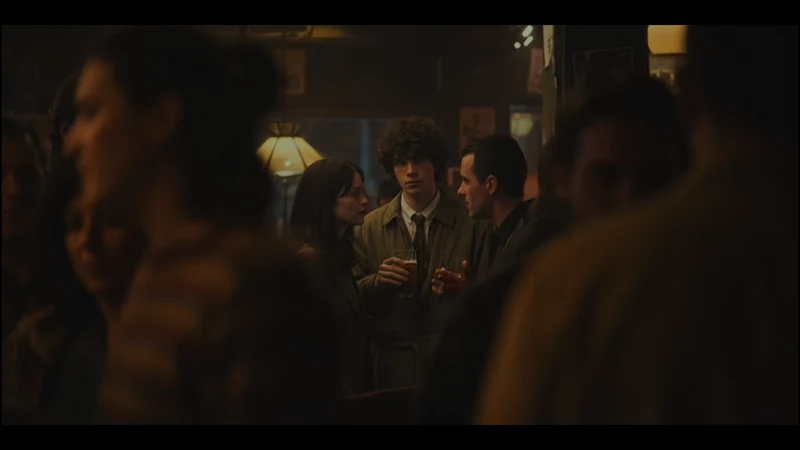
No AI slop
Professional search and high-quality references help define a distinct visual direction.
Pain point:Progress, feedback, and approvals get scattered across the team.
Team collaboration
Tie progress, comments, approvals, and delivery to specific shots and versions.
Moodio is more than software
Professional AIGC creator network
Moodio connects hundreds of directors, producers, art directors, cinematographers, animators, and AI video artists with client projects.
Moodio is more than software
Modeling user's creative taste
Moodio learns from how you create, choose, revise, and approve to understand your taste and workflow, so you can work faster.

Frequently asked questions
What is Moodio?
Moodio is the AI-native production platform for film teams, connecting find → learn → generate references into one pipeline from first spark to final cut.
Do I need to write prompts?
No. You can generate directly from image and video references and skip prompt engineering.
Who is Moodio for?
Directors, producers, art directors, cinematographers, animators, AI video artists, and film teams that need to scale delivery.
The red feels a bit too loud.